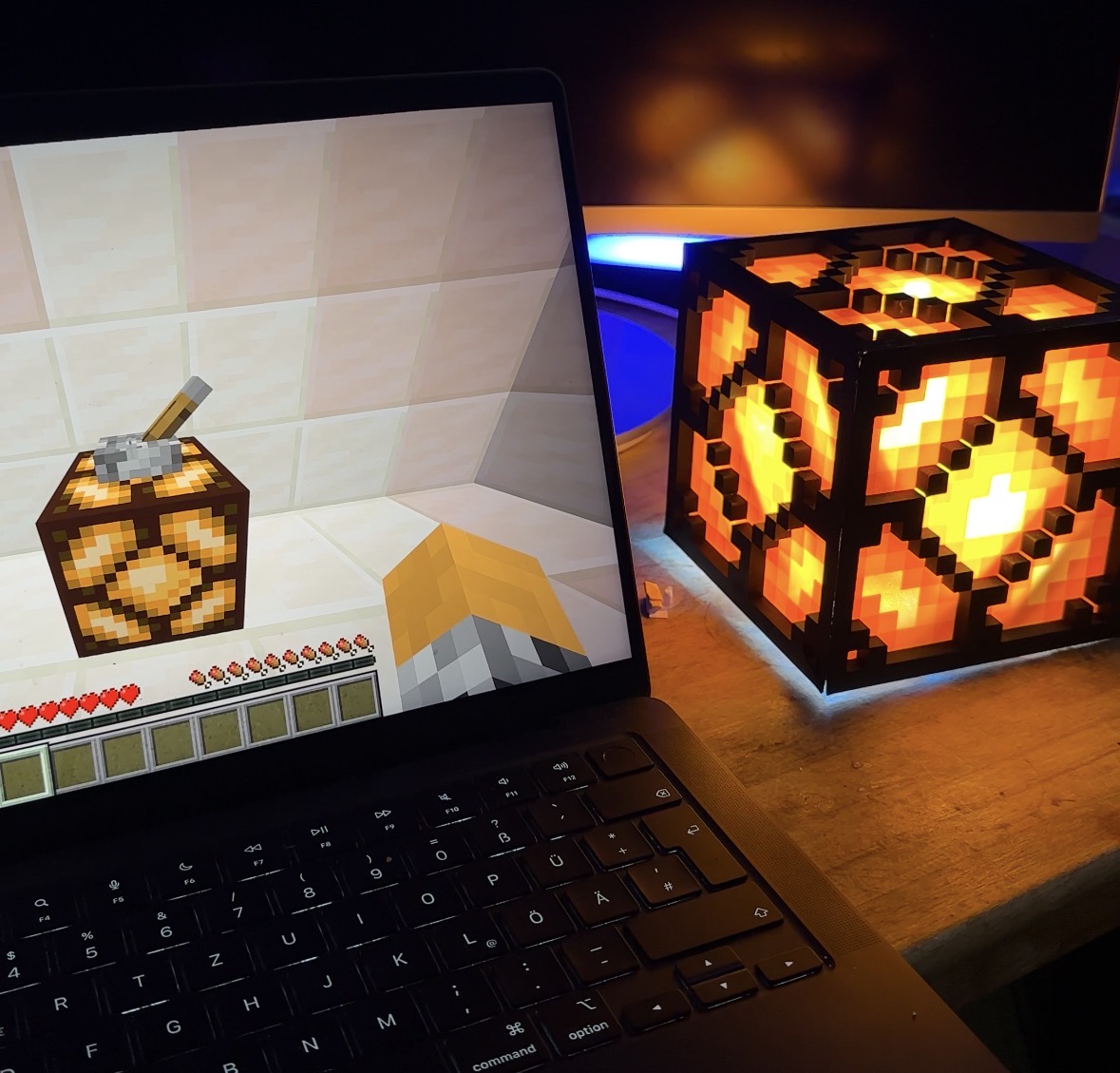
Hue MC Controller
Control Philips Hue lights directly from your Paper/Spigot Minecraft server.
Bridge Pairing
Auto-guided pairing with your Hue bridge's link button directly from chat.
Global Control
Toggle all your lights on or off with a single command from any in-game location.
Lever Bindings
Right-click any lever in-game to bind it to a specific light or a captured scene snapshot.
Scene Capture
Snapshot the current state of all your lights and replay them with a lever flip.
Commands
Set the Hue bridge IP and start the pairing flow. Press the physical link button when prompted.
Toggle all lights (group 0) globally on or off.
List all light names registered on the connected bridge.
Select a light by name or substring, then right-click a lever within 60 s to bind it.
Snapshot all light states, then right-click a lever within 60 s. Lever ON restores snapshot, lever OFF powers all lights off.
Requirements
- Java 21
- Paper / Spigot 1.21.1
- Philips Hue bridge on the same network
Installation
-
1
Download the shaded
.jarfrom releases or build withmvn clean package. -
2
Place the jar in your server's
plugins/folder. -
3
Start the server —
config.ymlis generated automatically. -
4
Run /bridge set <ip> and press the link button on your bridge.
Build from Source
mvn clean packageOutputs target/hue-mc-controller-1.0-SNAPSHOT-shaded.jar
How it Works
config.yml under the bindings key and survive server restarts.Ready to light up your server?